Labour-law notices on a screen, kept up to date for you
LabourKiosk shows the official South African workplace labour-law notices on a screen where your staff can read them, and keeps them current. It supports your notice-display obligations. You remain responsible for knowing which notices apply to your workplace.
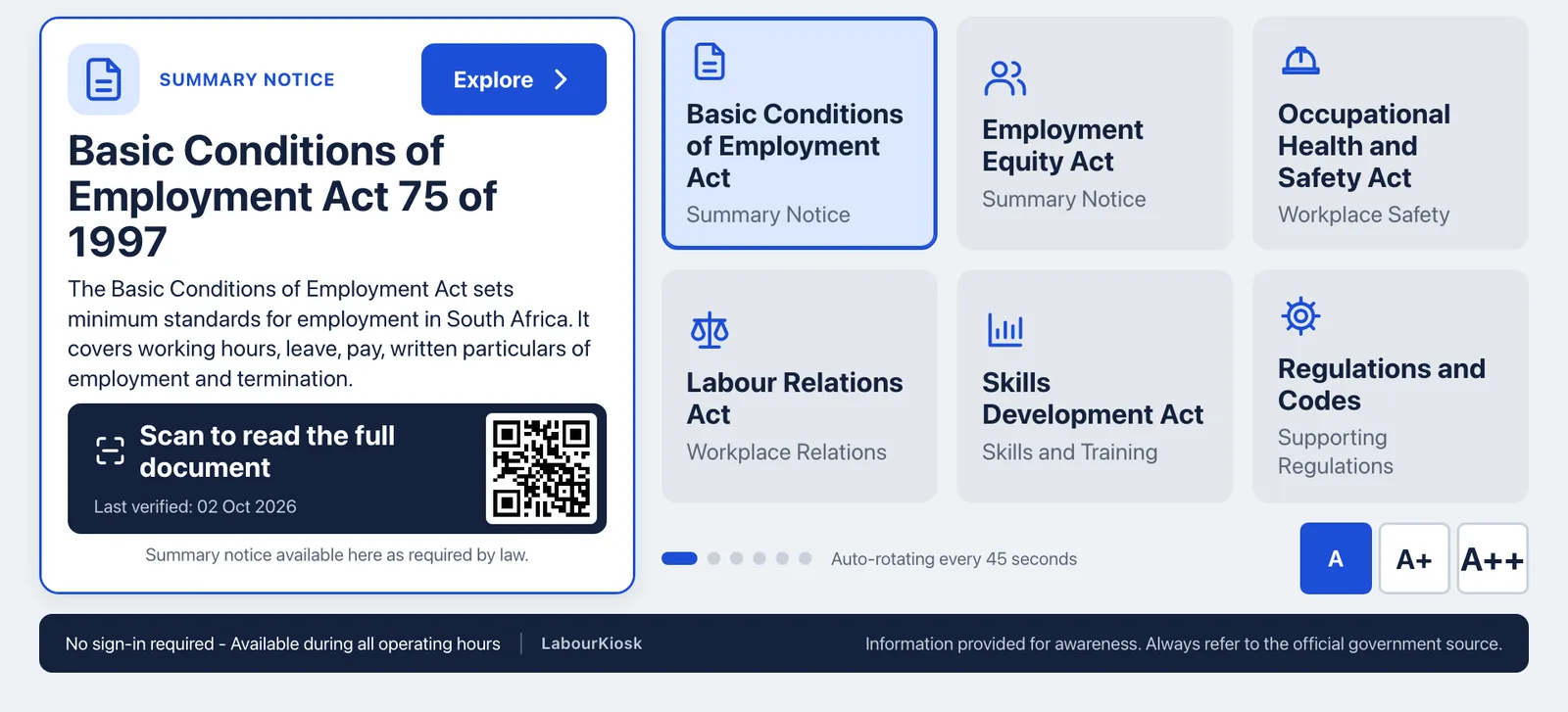
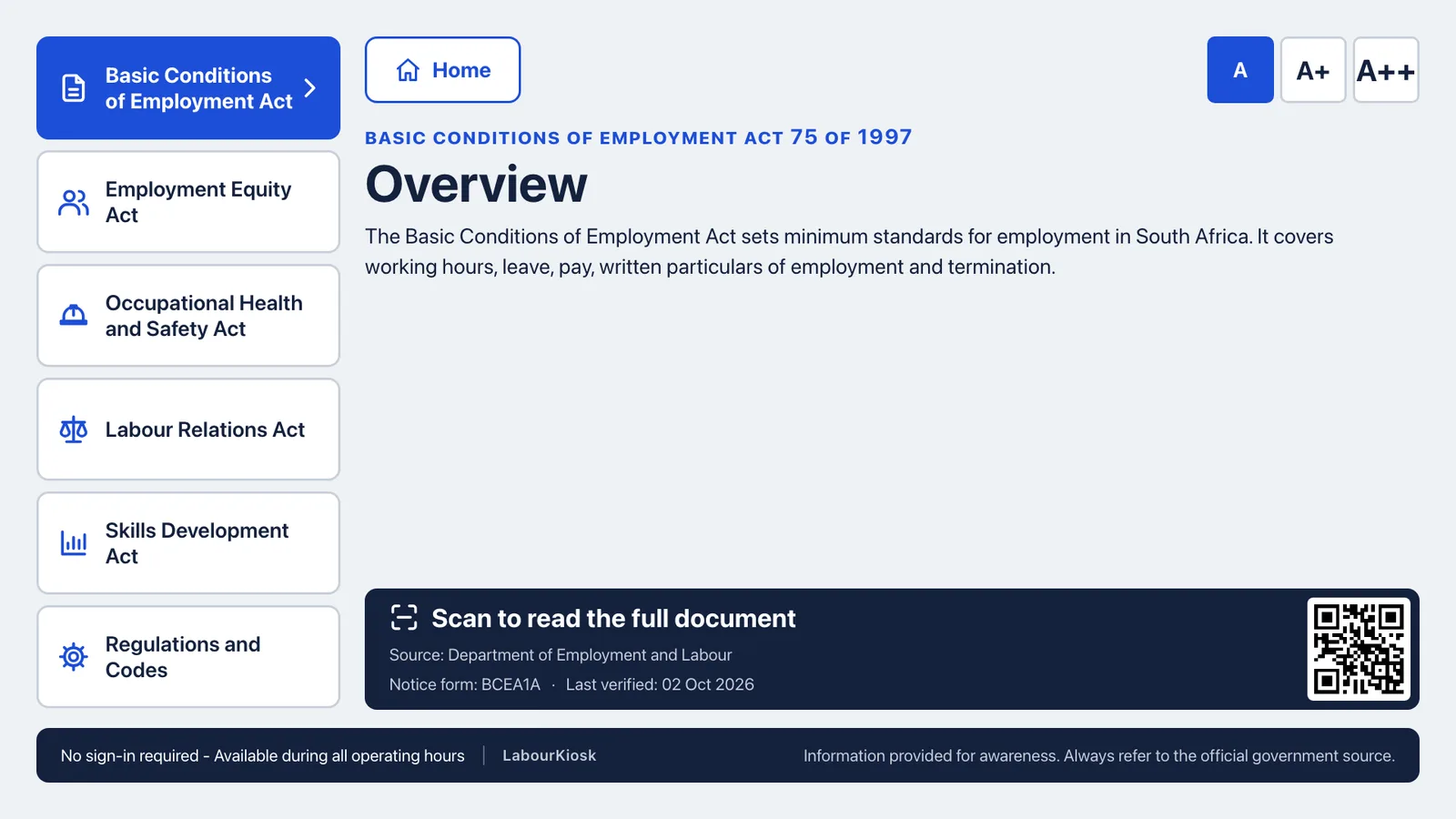
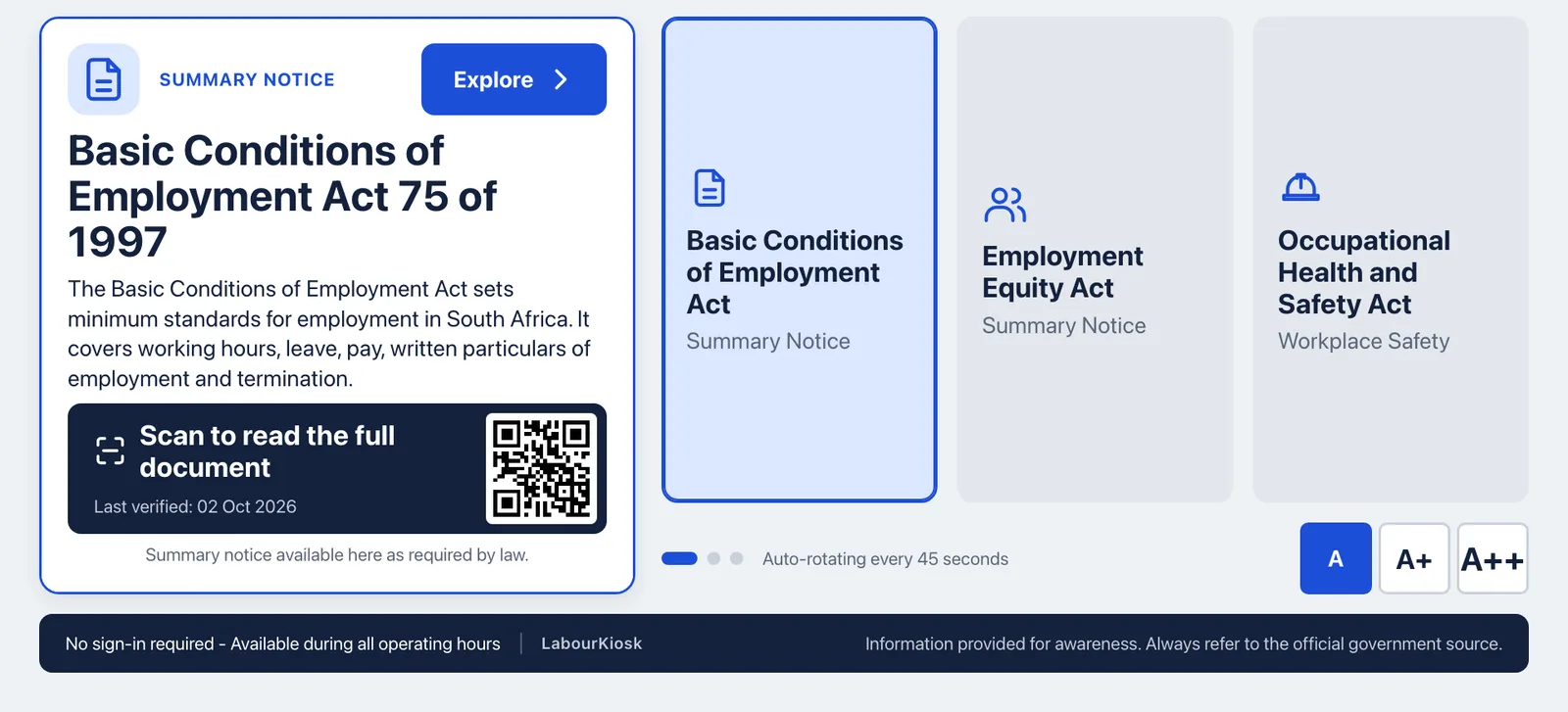
What you get
Modern and digital
A clear digital screen instead of a wall of printed sheets. Staff and visitors read the notices at a glance and can scan a code to open the full document.
Looks good in your workplace
Large, readable type with text size controls. Add your logo and colour, and the HR, UIF and COIDA contacts your staff should see.
Updated for as long as you subscribe
While your subscription is active, approved updates reach your screens automatically. Notices are built from official Department of Employment and Labour sources, every update is reviewed by a person, and the date it was last verified is shown on screen.
Supports your notice-display obligations
One screen replaces several printed sheets, with no delivery fee and no reprinting. The wording comes from the official sources and cannot be edited by customers, so it stays faithful to them.
Built to keep going
A screen keeps a copy of its notices and carries on showing the last approved version if the internet drops. The Kiosk box restarts by itself after a power cut.
[LEGAL REVIEW REQUIRED] LabourKiosk supports your notice-display obligations by showing official notices and keeping them up to date from official sources. You remain responsible for knowing which notices apply to your workplace and for checking with your labour adviser when you are unsure.
How it works in three steps
Step 1
Choose your screen
Use a screen you already own, or ask us about a Kiosk box that is ready to plug in.
Step 2
Pair it
Open LabourKiosk on the screen. It shows a short code. Type the code into your portal and the screen is yours.
Step 3
It keeps itself current
Choose your posters, add your company details, and your screen picks up approved updates while your subscription is active.
Ways to get a screen
The same notices, whichever way you show them.
Software on your own screen OK: Available
Run LabourKiosk on a PC, Mac, iPad or other screen you already have. You manage the device, so how reliably it stays on depends on its own settings.
Kiosk box OK: Available
A small box you connect to a screen. It starts LabourKiosk by itself and restarts after a power cut. Buy it once, or choose the managed option.
Smart TV app Coming soon
A dedicated app for smart TVs is planned. It is not available yet.
Talk to us
Tell us about your workplace and how many screens you have in mind. We will get back to you.